Download
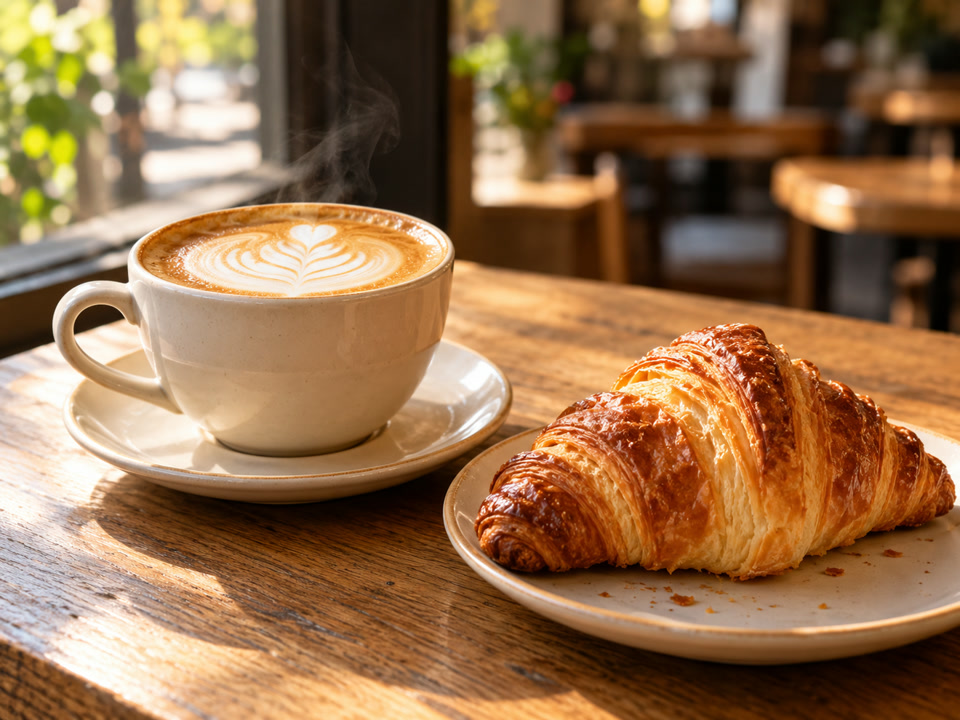
A café has a close-up of espresso pouring and a wider photo of a croissant beside a cappuccino. You have nine seconds to tell someone what they can order. Which photo should go first?
Try the espresso first. Give it four seconds. Then cut to the table and leave it there for five. That cut changes what the customer knows. The close-up tells them what the café makes. The wide shot tells them what comes together. A caption that names the drink and pastry belongs on the wide shot, where a viewer can check both at a glance.
Now run the same cut in reverse. The opening works like a menu photo. People see breakfast immediately. The espresso detail at the end can say something about preparation, but it leaves less room for a final caption about the whole order. For a breakfast offer, I'd keep the table at the end. For a post about how the barista pulls a shot, I'd try ending on the espresso.
You can make that decision before booking another shoot. Play both versions on a phone with the sound off. Hand it to someone who hasn't seen the brief and ask, “What could you order?” If they say “coffee” and miss the pastry, let the table shot run longer or shorten its caption. Change one thing and play it again.
We made a nine-second Short in Postbridge to show the first sequence. It uses two AI-generated café stills and on-screen captions. If you're trying it with a physical product, replace the espresso shot with one detail a shopper normally checks, then use a wider photo to show where that detail fits.
Watch the nine-second example on YouTube
Before you film a product video, try the edit with two photos
14.11.2026
DownloadA café has a close-up of espresso pouring and a wider photo of a croissant beside a cappuccino. You have nine seconds to tell someone what they can order. Which photo should go first? Try the espresso first. Give it four seconds. Then cut to the table and leave it there for five…